Image to Minecraft Map Art
Convert a logo, poster, skin face, or reference image into a 128x128 Minecraft map art plan.
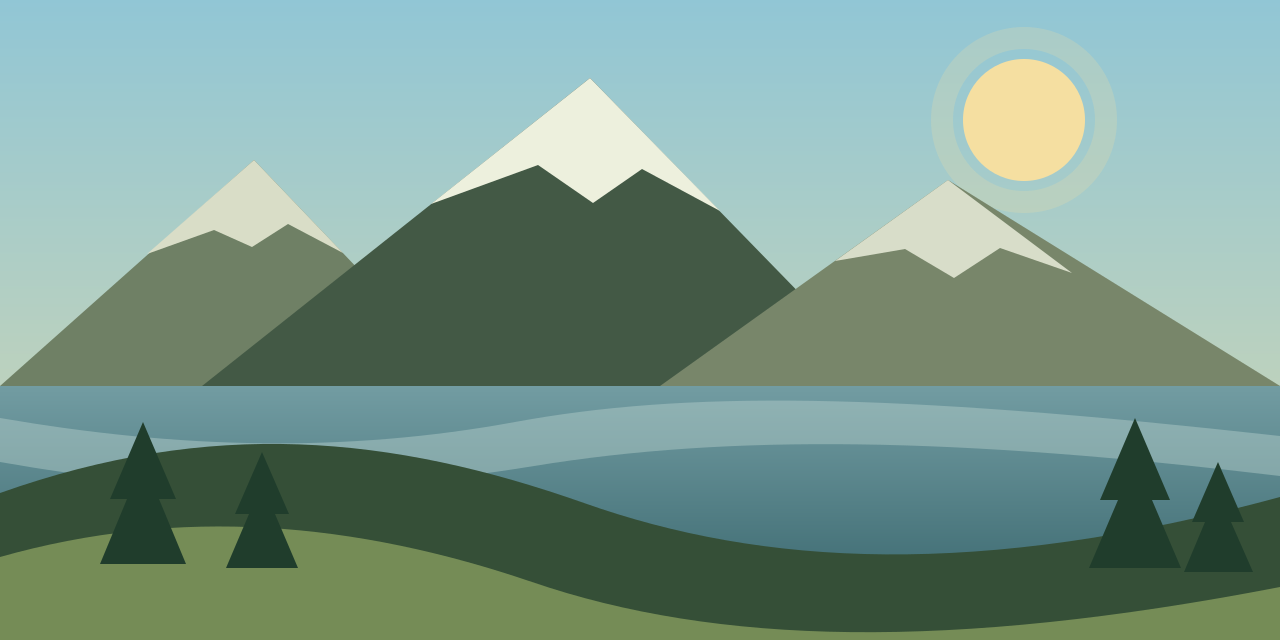
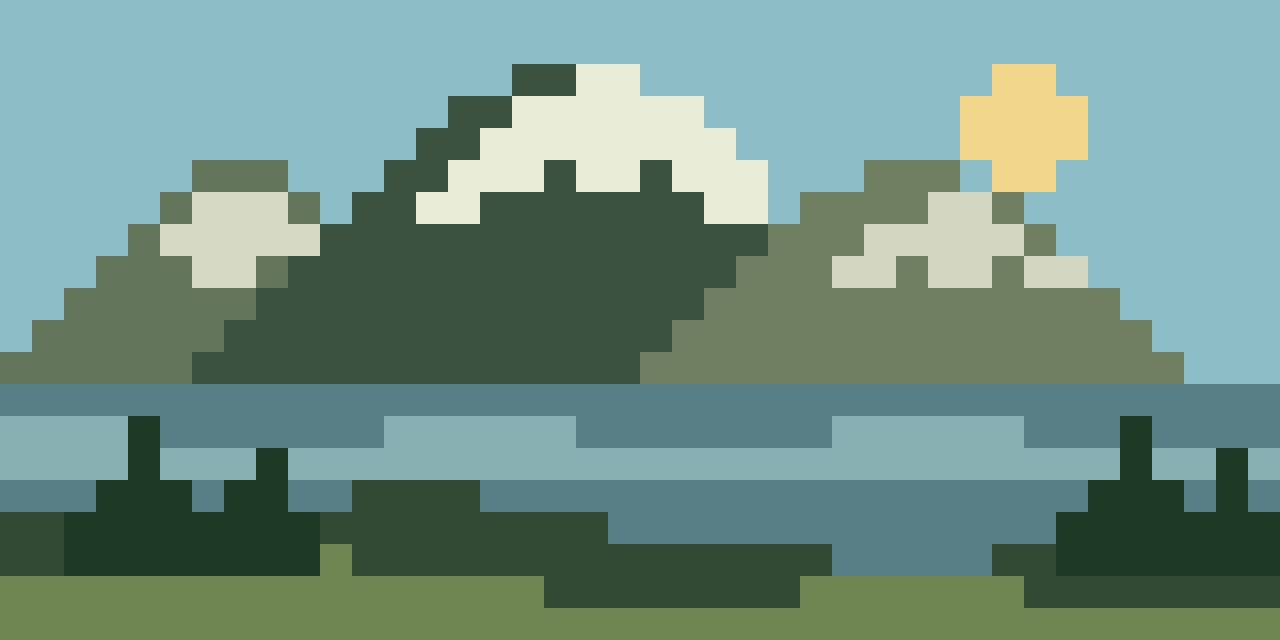
Image to Minecraft map art
Upload a picture and turn it into a 128x128 Minecraft map art blueprint with block colors, material counts, dithering, and a PNG guide. Use it for map walls, logos, posters, and survival-friendly block planning.
Drag the line to inspect every block.
Choose a map wall layout, then generate its tiled build plan.
Your tiled map wall appears here.
Choose how many map items you want to fill, upload an image, and generate a sectioned build plan.
The material list appears after conversion and shows how many Minecraft blocks to gather.
Convert a logo, poster, skin face, or reference image into a 128x128 Minecraft map art plan.
Use the grid preview as your placement guide and check the material list before gathering blocks.
Start at the standard single-map size, then scale up when you want a larger map wall.
Standard single-map Minecraft art size.
Two maps wide for banners, logos, and signs.
Four maps for posters, faces, and base artwork.
Useful when testing colors before a full map build.
Upload an image, keep the default 128x128 size for one map, choose block palettes, then generate the block grid and material list.
A standard map art build is 128x128 blocks. Larger map walls usually combine multiple 128x128 sections.
Yes. The material list shows block counts so you can gather wool, concrete, terracotta, or natural blocks before building.
Yes. After conversion, download a PNG guide with the block grid and material list for reference while building.